
1. Log into your cPanel account.
2. In the "Email" section click on "Email Accounts" icon.
3. Scroll down to the "Email Accounts" section and you should see your email account listed there.
4. If your email address is server@example.com, you should see a "Change Password" text in front of your email. Then simply click on "Change Password".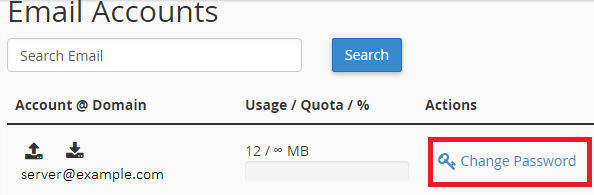
5. Enter your new password or use a password generator
6. Click on the "Change Password" button.