1. Log into your cPanel account.
2. In the "Email" section, click on "Email Accounts" icon.
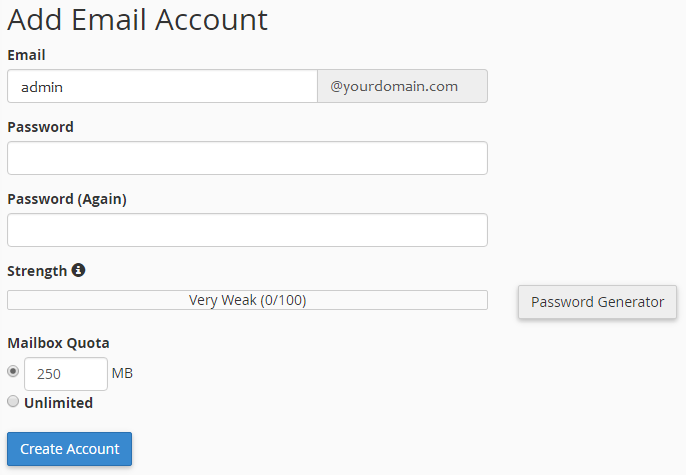
3. Enter the email address that you wish to create, such as "admin" which we use in this example.
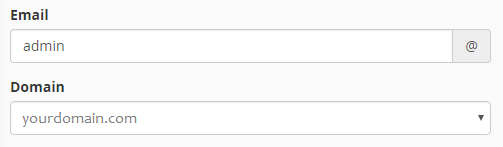
If you manage more than one domain, select the appropriate domain from the menu, as shown below.
4. Enter your new password or use a password generator to ensure it meets the complexity requirements.
5. Change the quota or leave this as it is and then click on the "Create Account" button.
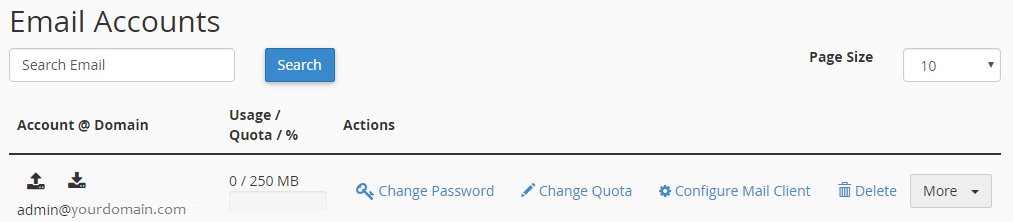
Once your email account is created, it will appear below in the "Email Accounts" section of the page.