
How to check Disk usage:
1. Log into your cPanel account.
2. In the "Files" section, click on "Disk Usage" icon. 
3. In Disk Usage area you can see which folder/directory is using too much space and you can even check the disk usage of MySQL. 
How to check Bandwidth usage:
1. In the "Metrics" section, click on "Bandwidth" icon.
2. Scroll down to the end of page and you can see bandwidth usage in a graph.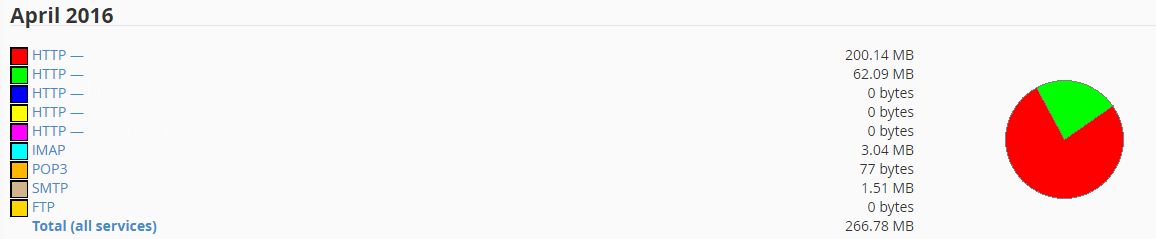
How to check the usage of bandwidth, email accounts, mysql, etc from a single place:
1. In your cPanel main page click on "Statistics"